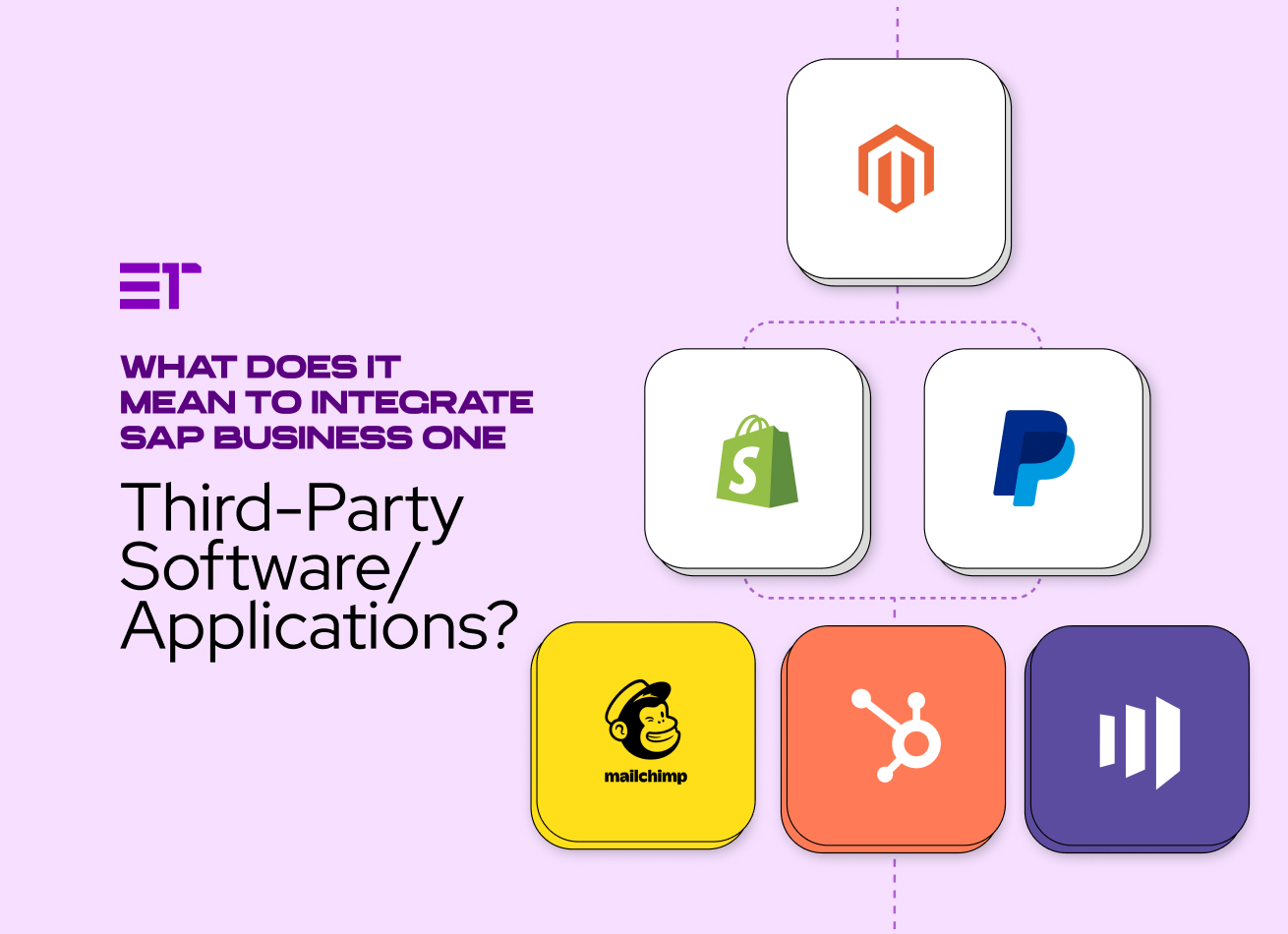
SAP integration with third-party software connects your ERP system to other applications—like an e-commerce platform, a CRM system, a logistics system, or an analytics tool—so that data can seamlessly flow from platform-to-platform.
Integration eliminates manual data entry, maintains data integrity and consistency, and enables organizations to have real-time visibility into their business systems.
In other words, SAP integration with third party software allows your company’s version of SAP Business One to “talk” to the other software/applications your company uses, helping to ensure that each system is working from the same version of the data.
Why Do Companies Integrate SAP Business One with Other Software?
Companies integrating SAP Business One with other tools can rely on workflow automation, less chance of duplicating data, and limited errors; ultimately this leads to superior decision making. Here are the benefits:
- Time-saving operations. Orders, inventory, and invoices are automatically updated in the enterprise software.
- Improved accuracy. There is a single source of truth for data.
- Better customer experience. Sales and service representatives have the most current information.
- Greater insights. Data can be aggregated across systems to provide a more complete picture of the business.
- Scalable. Organizations can grow without creating additional manual processes.
SAP 3rd party integration with CRMs, e-commerce stores, and marketing tools will show improvement in campaign performance and customer engagement.
What Apps Commonly Connect to SAP Business One?
The most frequent SAP 3rd party integration use cases involve operational and customer-facing systems, including:
| Category | Example Tools | Purpose |
|---|---|---|
| E-commerce | Shopify, WooCommerce, Magento | Sync orders, inventory, pricing |
| CRM | Salesforce, HubSpot | Align leads, opportunities, and customers |
| Finance & Payments | QuickBooks, PayPal | Reconcile transactions and accounts |
| Logistics | FedEx, DHL, ShipStation | Automate shipping and delivery tracking |
| Analytics & BI | Power BI, Tableau | Create unified dashboards |
| Marketing Automation | Mailchimp, Marketo | Streamline customer outreach and reporting |
Such integration solutions for SAP Business One allow businesses to shape their ERP around their specific operational goals while maintaining consistent data.
How Does SAP Business One Integrate with other Solutions?
There are several ways to build an integration solution for SAP Business One, depending on your technology landscape and unit of measure:
- SAP Business One Integration Framework (B1if): SAP’s own middleware product integrates SAP B1 with other applications using XML, REST, or SOAP protocols. It’s a suitable option for standardized integration without excessive complexity in coding.
- APIs and Web Services: The Service Layer (for SAP HANA) and DI API (for SQL Server) also let developers create secure integrations for nearly any software, custom to your exact business needs.
- Pre-Built Connectors or Middleware: Allow integration platforms such as Dell Boomi, APPSeCONNECT, or Codeless Platforms BPA to provide simple connections for quick integrations, frequently using drag-and-drop functionality and visual mapping.
- Custom Development: To incorporate specific business rules or legacy systems, use custom code to provide precise control of the integration and facilitate custom workflows. While custom SAP integration with third party software may be more expensive, they yield flexibility.
What are Important Considerations for SAP 3rd Party Integration?
Sustainable integration solutions for SAP Business One are not limited to the technical aspects of integration, but must deal with people, process, and information governance considerations. Some important considerations specifically include:
- Data Ownership. Determine the master system for each system and associated data type.
- Technical Security. Use SSL encrypted APIs and leverage industry compliance, such as GDPR.
- Scalability. Select tools and software that can accommodate future applications.
- Monitoring. Utilize dashboards to identify sync errors sooner rather than later.
- Testing. Ensure data accuracy in staging environments before going live.
It is important to align your aspirations of SAP 3rd party integration with the organization’s objectives and involve an experienced certified SAP team for stable and secure implementations.
What are the Best SAP Business One Integration Tools?
Research tells us that there is no one-size-fits-all tool, as it depends on your organization type and IT maturity. However, the best integration tools for SAP Business One share similar and potential capabilities:
- No-code or low-code onboarding. Will reduce the reliance on IT and ongoing maintenance for your organization.
- Pre-built connectors. Will accelerate SAP integrations with third party software for popular applications.
- Real-time data synchronization. Will keep your application systems up-to-date with each other and aligned.
- Error tracking. This includes logs and automatic alerts for issues.
- Cloud and on-premise capabilities. Important to support hybrid systems.
If speed and simplicity are most important for you, many customers look to middleware options such as APPSeCONNECT or Dell Boomi. If you need closer controls to the SAP system, you will either want to look at APIs or B1if.
Steps for Integrating SAP with Other Third-Party Software/Applications
- Determine Integration Objectives. Evaluate business processes that offer significant advantages— such as order management or reporting.
- Choose Integration Approach. Choose to use B1if, middleware, or implementing custom integration development project.
- Map Data Fields. Make sure SAP systems structure is similar and consistent with the external systems.
- Test in Sandbox. Testing in the sandbox should include running the full workflow through multiple tests with actual sample data.
- Implement and Monitor. Automation alerts should be established in the event that something fails or requires intervention.
- Continuous Improvement. Consistently review how data flows to improve performance on a continuing basis.
Best Practices for Sustaining Long-Term Integration
- Strive for SAP integrations with third party software to be simple and modular, and do not over-engineer.
- Certified SAP connectors provide a layer of assurance & will work better with each other.
- Document every data mapping, it should be recorded and able to understand after completion derives value to avoid confusion later.
- Note the updates of APIs from both SAP and third-party vendors that could vary over time (depending on versioning).
- Users should be educated or trained to adequately understand how integrated systems impact their workflow.
Use pre-built connectors, when possible, as the time to implement will reduce and the reliability will increase.
What are the Advantages of Implementing SAP 3rd Party Integration for SMEs?
For small and medium-sized companies, SAP integration with third party software can be a game-changer:
- Automated processes: Fewer manual entries, resulting in shorter order cycles
- Consolidated data: A single view of customers, finances, and operations
- Cost-efficiencies: Lower administrative overheads
- Improved decision-making: Better insights into performance in real-time
- Better collaboration: Departments working off the same live data
When we connect SAP Business One with CRM, marketing, and analytic systems, we can build the digital core of a connected business ecosystem.
Conclusion
SAP integration with third-party software is not just a technical enhancement – it’s a growth tool. Regardless of whether you use the SAP Business One Integration Framework, an API, or middleware, the goal is always the same: connect data, simplify workflows, and facilitate better decision-making.
If you’re thinking of an integration, start by understanding your business priorities, pick an integration option for SAP Business One, then enlist consultants who understand your operational ecosystem. Done properly, SAP 3rd party integration allows your business to operate as one connected intelligent enterprise.
Not Sure Where to Start? Let Elevra Tech Help You Plan a Seamless SAP B1 Integration with Third Party Apps.